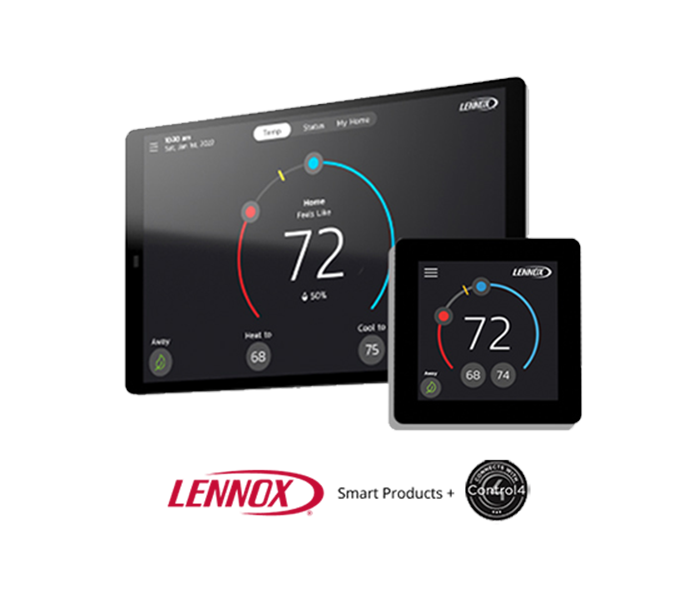
Lennox + Control4
Lennox S40 Smart Thermostat compatibility includes premium, professionally installed, smart-home automation platforms like Control4.
Professionally installed, smart-home systems from Control4 maximize the smart-home experience. They automate connected devices to provide full control of nearly everything in the home, from smart lighting, home security, and intercom, to home theater, universal remote, and multi-room audio, to name just a few. That means perfect air can be part of more smart homes than ever before, all managed through one convenient control.
Your Home Comfort Command Center
Just a few quick steps to get your Lennox Smart Thermostat integrated with Control4.
Get Started
Control4 is a leading control and automation platform which works with thousands of smart devices integrating audio, video, lighting, security, intercom, and of course climate control into a seamless customer experience. Control4 gives you an easy-to-use interface to control your thermostat.
Get Started
For Control4 integration with the Lennox S40 Smart Thermostat, you must contact your Control4 dealer directly to download and install the necessary Lennox API/driver for your operating system from the Control4 library
This integration is backwards-compatible, meaning an S40 Smart Thermostat that's already installed can be fully integrated with a new or existing Control4 platform.
Key Features and Tools
Knowing the details of a few key features will make both you and your home smarter.
Once a Control4 smart-home system is installed, perfect air can be controlled through a number of options, not just the Lennox S40 Smart Thermostat and the Lennox Home App. A variety of interfaces are available that place the S40 icons on the main screen. Here is what you can control through your Control4 interfaces:
Display all systems in the home and select a system
Display all zones in the system and select a zone
Turn system/zone ON/OFF
Change manual modes
Change set-points for each zone/system
Change fan mode
FAQs
Find answers to common questions about your thermostat from setup and Wi-Fi connection to troubleshooting and energy-saving tips.